
Rhinoplasty Simulation
Test bridge, tip, and profile changes first so you can compare rhinoplasty directions before consultation.
AI Surgery Simulator
Miri lets you simulate rhinoplasty, chin augmentation, and contour surgery changes on your own portrait, then generate photo-like before/after previews to compare surgery directions before consultation.
Test bridge, tip, and profile changes first so you can compare rhinoplasty directions before consultation.
Preview chin projection, length, and contour changes on your own portrait before choosing a direction.
Turn vague ideas into before/after surgery simulation references that are easier to compare and discuss.
A real example showing the same portrait before and after surgery simulation generation for pre-surgery comparison.
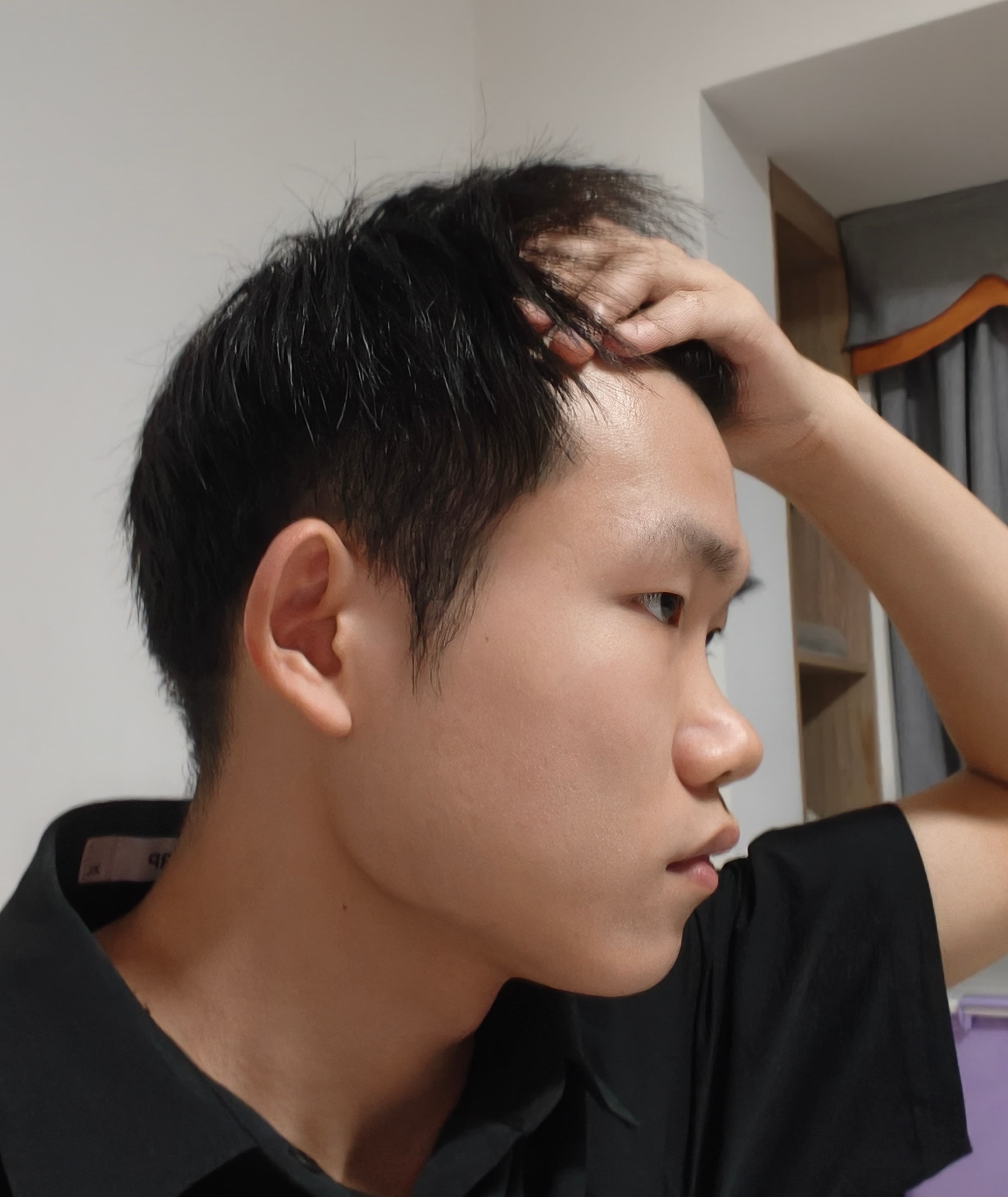
Original portrait
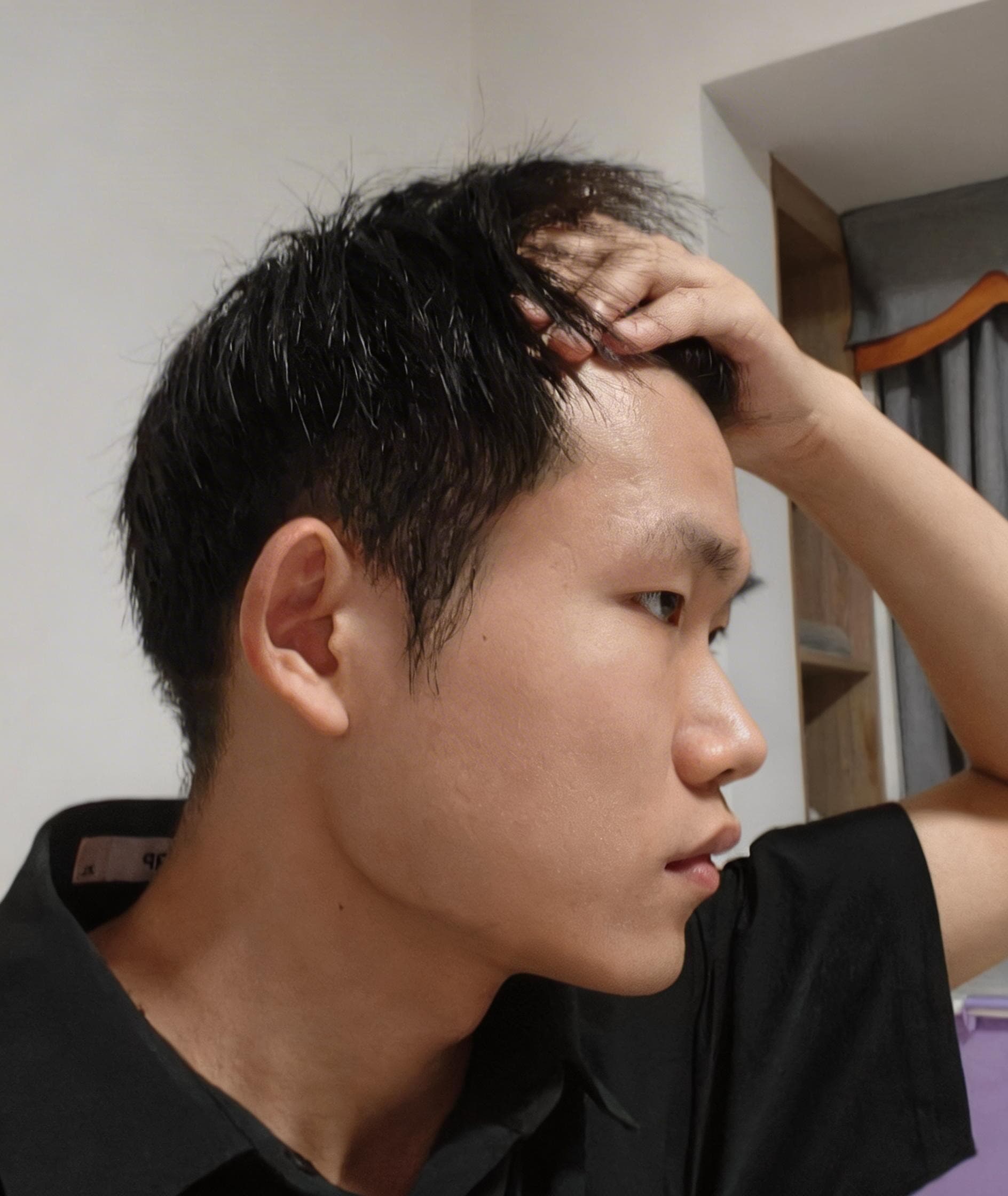
Surgery simulation
Original portrait on the left, AI surgery simulation on the right.
Outputs are for pre-surgery comparison and consultation reference, not guarantees of surgical outcomes.
Simulate bridge height, tip shape, and profile line changes to preview a rhinoplasty-style result on your own portrait.
Compare chin length and projection changes quickly to preview how chin augmentation may alter facial proportion.
Evaluate jawline and contour changes under rebuilt lighting to preview overall facial harmony after contour surgery.
Most beauty filters mainly smooth skin or shift color tone. Miri adjusts facial geometry first, then rebuilds light and shadow from the edited shape for stronger look comparison.
It works best for rhinoplasty-style changes, chin augmentation previews, and contour surgery direction checks. You edit the desired post-surgery geometry first, then generate the comparison.
No. Results are for surgery simulation, pre-surgery comparison, and consultation reference only. They are not medical advice, diagnosis, or guarantees of surgical outcomes.